
 David Joseph
Did you know 19% of professionals use special software for their daily tasks? This shows how important good management tools are today. Whether you’re working in a big office or just setting up your home entertainment, knowing how to use these tools is vital for productivity.
Both physical devices and digital software aim for seamless operation. A good wireless remote lets you control devices from afar. At the same time, software helps teams work together across the globe.
This guide will help you get the most out of your setup. We’ll cover setting it up, keeping it safe, and fixing any problems. By following these tips, your technology will be a powerful asset, not a headache.
Key Takeaways
- Understand the difference between hardware tools and digital software solutions.
- Learn how to secure your connections against unauthorized access.
- Discover maintenance tips to extend the lifespan of your equipment.
- Improve your daily workflow through better device management.
- Prepare for future advancements in automation and connectivity.
Understanding the Basics of Remote Controls
Remote controls connect our wishes to the digital world. They make complex tasks simple with just one click or tap. This is true whether you’re controlling a home theater or a computer from afar.
“The best technology is invisible, seamlessly connecting the user to their environment without friction.”
What is a Remote Control?
A remote control is a handheld or software tool that sends commands to a receiver. We often think of plastic clickers, but today, apps and software are also used.
These tools let us control devices from a distance. For tech experts, software systems even offer real-time screen sharing. This helps them fix issues without being there in person.
Types of Remote Controls
There are various types of remote controls, each suited for different needs. They differ in how they communicate with your devices.
| Type | Range | Best Use Case |
|---|---|---|
| Infrared | Short (Line-of-sight) | Standard TVs |
| Bluetooth | Medium (Omnidirectional) | Smart Home Hubs |
| Radio Frequency | Long (Through walls) | Garage Doors |
The classic infrared remote is common in homes for its simplicity and low cost. But, newer systems use Bluetooth or radio frequencies. This helps them work better without needing a direct line of sight.
How Remote Controls Work
When you press a button, the remote sends a signal to the device. An infrared remote uses light pulses that the receiver must see to act on the command.
Radio-frequency and Bluetooth signals, on the other hand, can go through walls and furniture. This makes them great for setups where the receiver is hidden or in another room.
Software-based systems work by sending digital packets over a network. This allows for seamless interaction between computers and devices. Your commands are executed instantly, no matter how far you are from the hardware.
Choosing the Right Remote Control
Choosing the right remote control is all about finding the right mix of features, comfort, and value. Whether you’re updating an old system or combining devices, knowing what you need is key. A good remote control makes using your home tech easier.
Factors to Consider
Before buying, think about a few important things. Compatibility is crucial; make sure it works with your devices. Also, consider these factors:
- Communication Range: Does it work well from across the room?
- Ergonomics: Is it comfortable to hold for a long time?
- Button Layout: Are the main buttons easy to find?
- Accessibility: Do the buttons feel good to press or light up in the dark?
Popular Brands and Models
Choosing between a dedicated remote control for TV or a universal one depends on your setup. A dedicated remote is best for simple setups. But, a universal remote is better for complex systems.
Universal remotes control many devices at once. This means less clutter and less hassle with multiple remotes.
Budget-Friendly Options
Finding a balance between cost and quality is important. Cheap remotes are okay for simple setups. But, for smart homes, you might need something more.
Think about the future when choosing. Services like RemoteToPC start at $99 a year and offer more than basic remotes. Make sure you’re getting features you’ll use.
| Feature | Basic Remote | Universal Remote |
|---|---|---|
| Device Support | Single Device | Multiple Devices |
| Setup Complexity | Low | Moderate |
| Best For | Simple TV setups | Home Theater systems |
Setting Up Your Remote Control
Getting your home entertainment system set up right is key. Whether you’re upgrading or starting from scratch, a step-by-step approach is crucial. This ensures your commands reach your devices quickly. Take a moment to tidy up your space before you start.
Unboxing and Initial Setup
Begin by carefully unpacking your remote control and checking that everything is there. Most remotes need new batteries right away for steady power. Use top-notch alkaline batteries to avoid battery drain or leakage that could harm your remote.
After putting in the batteries, do a quick check of the remote. Make sure the battery cover is tight and no buttons are stuck. If it’s an infrared remote, clean the emitter lens and remove any plastic film that might block the signal.
Pairing with Devices
The pairing process varies based on your device’s tech. An infrared remote needs a clear path to the receiver on your TV or soundbar. If problems arise, check that nothing is blocking the signal path.
For Bluetooth or Wi-Fi remotes, you’ll need to put them in discovery mode. This usually means holding down certain buttons until a light starts flashing. Here’s a simple guide to help you figure out how to connect:
| Connection Type | Range | Line of Sight | Setup Complexity |
|---|---|---|---|
| Infrared | Short | Required | Low |
| Bluetooth | Medium | Not Required | Moderate |
| Wi-Fi | Long | Not Required | High |
Troubleshooting Common Setup Issues
Even with careful prep, you might still run into problems. If your remote control won’t work, first look for signal interference or wrong pairing codes. Many universal remotes need specific codes for each brand.
If your device still won’t respond, try these steps:
- Double-check that the batteries are in the right way.
- Update the firmware if it’s outdated, using a mobile app.
- Make sure your equipment isn’t in a closed cabinet if using an infrared remote.
- Do a factory reset if it was paired with something else before.
By tackling these issues one by one, you’ll get your system working smoothly. Remember, being patient during setup saves a lot of hassle later on.
Essential Features to Look For
Upgrading your home starts with finding the right features. Look for tools that solve real problems, not just add complexity. The right hardware can change how you use your entertainment system.
Programmable Buttons
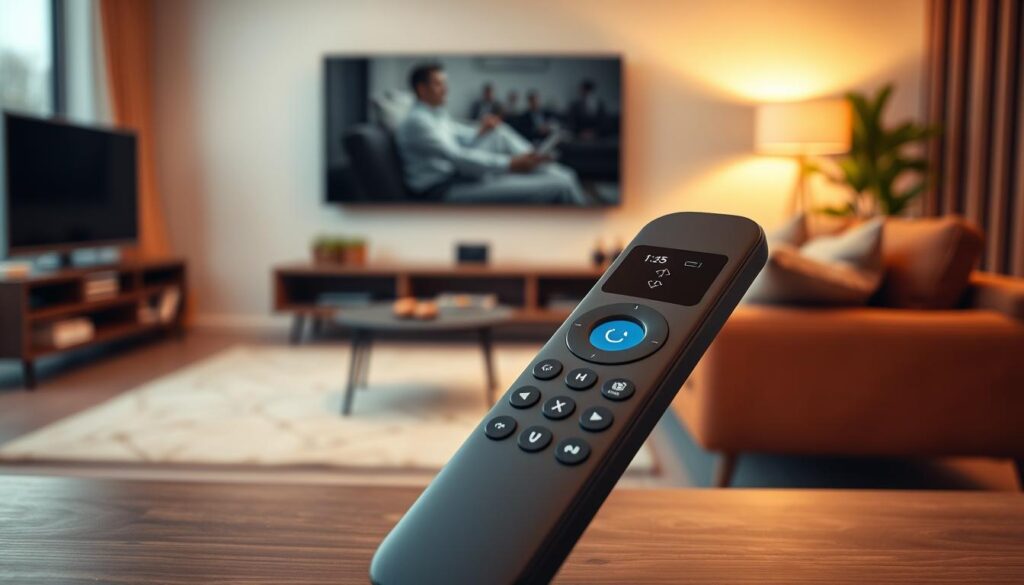
A programmable remote can make your life easier. It lets you assign functions to buttons, cutting down on clicks for common tasks.
Setting up macros for actions like turning on your TV and soundbar at once is easy. This way, your favorite commands are just a press away.
Voice Control Capability
Hands-free operation is now common in homes. Voice control needs good microphones and software to work well.
With a smart remote and voice features, you can search, adjust volume, or switch inputs easily. Make sure it works with your preferred voice assistant for a smooth experience.
Compatibility with Smart Home Devices
Choosing a controller for your smart home needs careful thought. It must work well with your devices like lights, thermostats, and security systems.
Here’s a comparison to help you choose:
| Feature | Basic Remote | Advanced Smart Remote |
|---|---|---|
| Custom Macros | No | Yes |
| Voice Search | Limited | Full Integration |
| Smart Home Sync | None | Multi-Platform |
Remember these key points when choosing:
- Efficiency: Use custom shortcuts to save time.
- Convenience: Find shows with voice commands.
- Integration: Control your home from one place.
The best programmable remote makes your life simpler. Focus on these features for a better smart remote experience.
Maintaining Your Remote Control
Keeping your remote control for home entertainment in good shape is key. A little care each day can stop problems and make your device last longer.
Cleaning Tips and Tricks
Dust and dirt can make buttons sticky or not work. Use a microfiber cloth with a bit of isopropyl alcohol to clean the outside and buttons.
A soft-bristled toothbrush is great for getting dust out of tight spots. Make sure the infrared sensor is clean. A clear lens helps your remote talk to your TV better.
Battery Care Best Practices
Battery problems are the top reason remotes stop working. If your remote control for home entertainment uses regular batteries, check for corrosion.
- Take out batteries if you won’t use the remote for a while.
- Change all batteries at once to keep voltage balanced.
- Don’t keep rechargeable remotes plugged in too long to keep the battery healthy.
If your remote gets hot while charging, unplug it right away. Check the charging port for damage. Clean battery contacts to avoid losing power and keep your remote working well.
When to Replace Your Remote
Even with good care, remotes have a limited life. Get a new one if buttons are hard to press or if the inside looks damaged.
Also, update your remote’s software regularly. New updates can fix security issues and improve how it connects with your smart home. If your remote control for home entertainment can’t connect, even with new batteries and a reset, it’s time for a new one.
Using Your Remote Control Efficiently
We often overlook the hidden potential of our devices. Customizing them can save a lot of time every day. By organizing your workflow, you can turn a standard Remote contro into a powerful hub for your home theater. Learning to streamline your interactions means less time navigating menus and more time enjoying your favorite content.
Shortcuts for Frequent Tasks
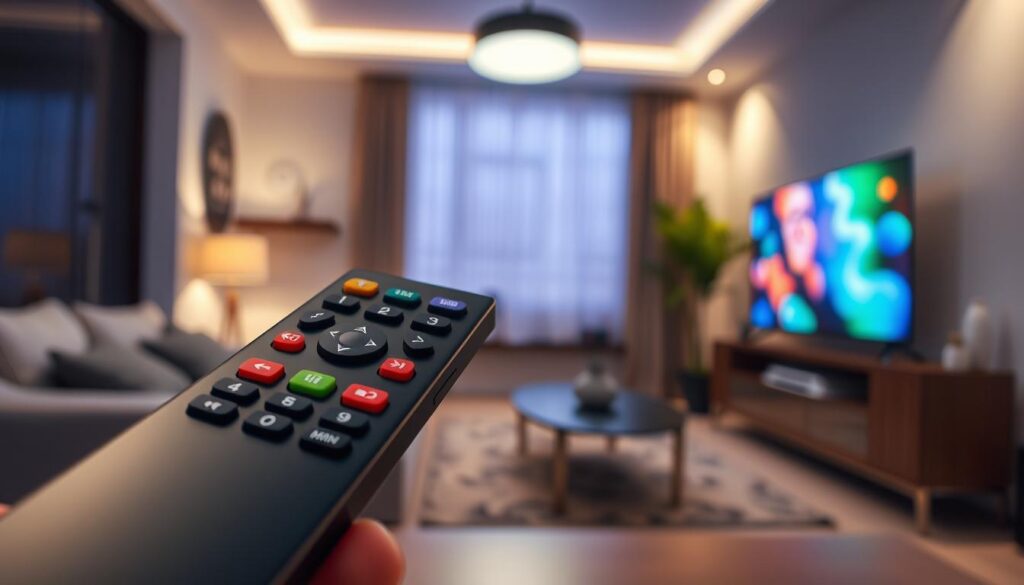
Most modern devices let you assign specific functions to dedicated buttons for instant access. Identify the apps or inputs you use most often, like streaming services or gaming consoles. Map them to your primary interface. For more tips, check out these best tips for using a remote control effectively at home.
Customizing Settings for Your Needs
A programmable remote lets you tailor button assignments to your household habits. Test each customized command before relying on it for critical tasks to ensure accuracy. Precision is vital when updating applications or changing sensitive system settings, as accidental inputs can disrupt your configuration.
Utilizing Macro Commands
Macro commands let you combine multiple actions into a single button press. For example, turning on your TV, soundbar, and streaming box at once. This feature is incredibly useful for creating repeatable workflows for complex entertainment activities. Always include a confirmation step for macros that affect critical equipment to prevent unintended power cycles or setting changes.
| Feature | Standard Remote | Programmable Remote |
|---|---|---|
| Button Mapping | Fixed | Fully Customizable |
| Macro Support | None | Advanced Sequences |
| Device Control | Single Device | Multi-Device Sync |
| Setup Complexity | Low | Moderate |
Integrating Your Remote Control with Other Devices
Turning your living room into a single system starts with integrating devices. This means getting rid of many controllers and making things easier to use. Whether you use a wireless remote control or a smart hub, the goal is to make your tech work together smoothly.
Smart TVs and Streaming Services
Today, linking your remote control for TV to streaming services is common. Most devices find each other over Wi-Fi, making setup easier. Make sure your device’s software is up to date for the best app support, like Netflix or Hulu.
Linking your accounts on streaming services makes your experience more personal. This way, your smart remote can show your favorite shows and movies easily.
Home Theater Systems
Controlling a home theater needs careful input selection and signal management. A good wireless remote control can handle your AV receiver, soundbar, and projector at once. Try setting up scenes to make sure everything turns on right.
“The ultimate goal of home automation is to make the technology invisible, allowing the user to focus entirely on the content they enjoy.”
Other Smart Devices
You can also control smart lights and climate systems with your smart remote. Hubs connect these devices, letting your remote control complex actions, like dimming lights for a movie. This makes your space feel both smart and easy to use.
| Integration Type | Primary Benefit | Setup Complexity |
|---|---|---|
| Wi-Fi/Network | High Speed | Moderate |
| Bluetooth | Low Latency | Low |
| Infrared (IR) | Universal | High |
| PLC/Gateway | System Stability | Advanced |
For big setups, a dedicated gateway can manage controls across zones. This keeps your remote control for TV and other devices working well, even as you add more. By following these steps, you create a strong system that lasts.
Security Considerations for Remote Controls
As we connect more devices to our home networks, remote control security is key for every household. We often focus on the convenience of our gadgets. But we must also think about the digital risks they might bring to our private spaces.
Keeping Your Remote Secure
Managing your account credentials with care is the first step. Use strong, unique passwords for any app-based remote interfaces. This helps prevent unauthorized entry.
Adding two-factor authentication is crucial. It provides a second layer of verification. This means even if a password is compromised, your devices stay safe from unwanted access.
Protecting Against Interference
Keeping your remote access secure is vital to prevent signal hijacking or unauthorized pairing. Use WPA3 standards to encrypt your home Wi-Fi network. This protects your devices from external interference.
Regularly updating your firmware is also important. Manufacturers often release updates to fix known vulnerabilities in communication protocols.
Understanding Potential Vulnerabilities
Many users don’t know that outdated software can expose devices to malicious actors. If a remote lacks the latest security patches, it can be a weak point in your smart home.
Strong encryption is needed to protect sensitive information during remote sessions. Without it, data sent between your remote and devices could be intercepted.
We must also be careful about giving too many permissions to third-party remote apps. Always check the access rights of your apps. Make sure they only have the permissions they need for their function.
Advanced Remote Control Features
Managing a complex home theater system needs more than a basic remote. Our homes are filled with high-tech gadgets, making advanced management tools essential. Today, we have innovative ways to make controlling our electronics easier.
Learning Remotes
Learning remotes capture infrared signals from your original equipment. Just place the two devices together, and the remote learns your equipment’s commands. This method is highly effective for controlling devices without a big database of codes.
Universal Remotes Explained
A universal remote is a central hub for your media setup. It uses big databases or cloud libraries to control devices from different makers. With a top-notch remote control for home entertainment, you can manage your TV, soundbar, and gaming console with one device.
“The true power of a modern control system lies in its ability to simplify the user experience while maintaining absolute precision over every connected device.”
Smart App Control
The app-based remote control has changed how we manage our digital lives. These apps turn your phone or tablet into a powerful command center. They work on Windows, Mac, and Linux, offering advanced visibility and profiles for power users.
| Feature Type | Primary Benefit | Best For |
|---|---|---|
| Learning Remote | Custom signal capture | Legacy equipment |
| Universal Remote | Broad device database | Home entertainment |
| App-Based Control | Cross-platform flexibility | Smart home integration |
Choosing the right universal remote or app-based remote control is key. It makes sure your technology works for you, not the other way around. Before buying, think about your device setup to find the best solution.
Troubleshooting Common Remote Control Issues
When your home theater setup stops working, knowing how to fix it is key. Start with simple fixes before trying harder solutions. This way, you might solve the problem without needing a pro.
Unresponsive Buttons
Broken buttons often need a simple fix. First, check the batteries. Make sure they’re fresh and in the right spot. Dust or debris can also block the buttons.
Try cleaning the buttons with a soft cloth and a bit of alcohol. If that doesn’t work, the problem might be with the internal parts. You might need to replace it or get it fixed by a pro.
Connectivity Problems
Issues with connecting can be due to many things. Make sure your remote control can see the infrared receiver. If it’s a Bluetooth or Wi-Fi model, check your network and its strength.
Other devices can also mess with signals. Try moving things around or turning off nearby electronics. If it still doesn’t work, updating the software might help.
Resetting Your Remote Control
When all else fails, a factory reset can help. But remember, it will erase all your settings. Make sure to save them before you reset.
To reset, press a few buttons together for a while until a light starts flashing. After, you’ll need to pair it again. If it keeps happening, tech support can help figure out why.
| Issue Type | Primary Check | Secondary Action |
|---|---|---|
| Unresponsive Buttons | Replace Batteries | Clean Contact Pads |
| Signal Delay | Clear Obstructions | Check Network Status |
| Pairing Failure | Power Cycle Device | Perform Factory Reset |
Future Trends in Remote Control Technology
We’re on the cusp of a new era in home electronics. Our interactions will become more seamless and automated. New tools focus on making things easy for us while keeping our data safe and systems reliable.
Voice Activation and AI Integration
Today’s systems use smart algorithms to guess what we need. A smart remote with AI learns your viewing habits. It suggests shows before you even pick up the remote. This tech makes your experience personal and gets better over time.
Touchless Controls
Gesture recognition is the next big thing in home management. Soon, devices will respond to hand movements, not buttons. This change makes things easier and adds a sleek look to any room.
Innovations on the Horizon
Voice control is getting bigger in smart homes. Make sure your devices can get updates. Choosing the right, secure tech keeps your home running smoothly as tech improves. Start making your home smarter by picking the right gear.