
 David Joseph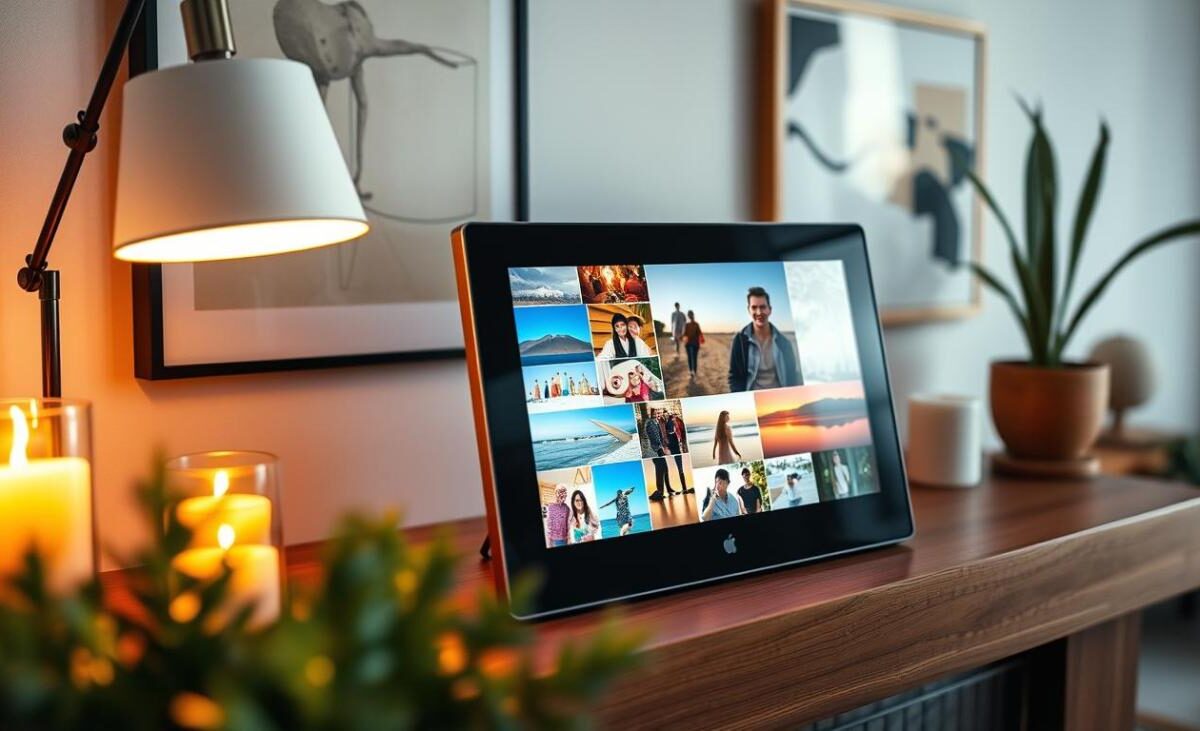
Did you know over 90% of smartphone photos are never seen again after a week? We often forget our most precious memories in cloud storage. A digital photo frame is a great way to make your home a lively, changing gallery.
Setting up your new device needs careful attention, like aspect ratios. Many photos are in a 3:2 ratio, so you might see cropping if your settings aren’t right. We’ll show you how to set it up and customize it for the best look.
With our tips, your digital picture frame will show off every photo in top quality. Let’s make your collection come alive and share those special moments with your guests.
Key Takeaways
- Understand how to manage aspect ratios to prevent unwanted image cropping.
- Learn the essential steps for a seamless initial device setup.
- Discover advanced customization options to enhance your viewing experience.
- Follow maintenance tips to keep your display looking pristine over time.
- Transform static storage into a dynamic, living gallery for your home.
Understanding Digital Photo Frames
For photography lovers, knowing how an electronic photo frame works is key. These devices mix digital storage with home decor, showing thousands of photos in one spot. Understanding the tech helps us pick the best digital photo frame for our homes or offices.
What is a Digital Photo Frame?
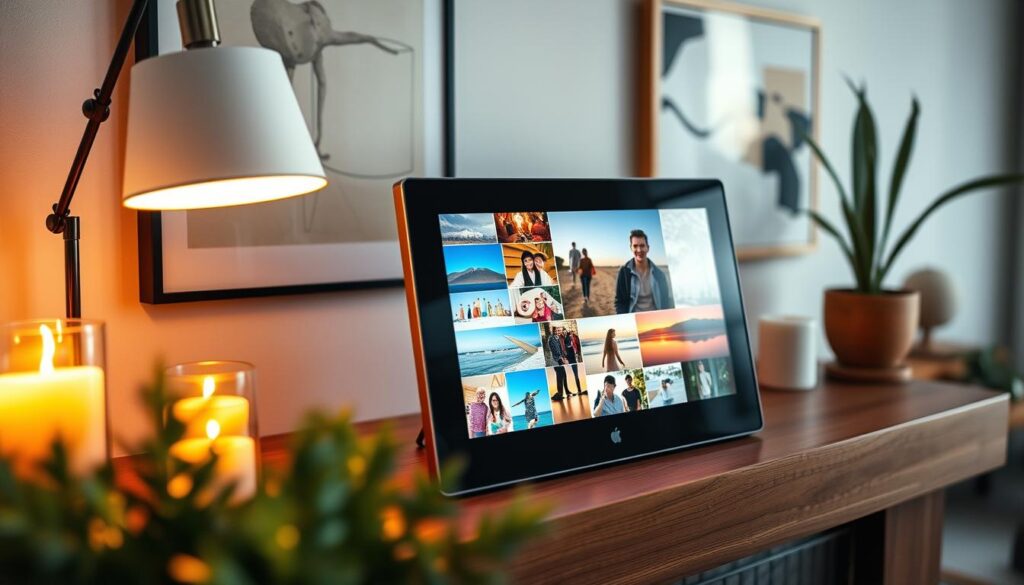
A digital photo frame is a special LCD or LED screen for showing digital photos. It doesn’t need a computer or printer. It has memory or slots for SD cards and USB drives. Once on, it shows your favorite photos in a changing gallery.
Key Features to Look For
When looking for the best digital photo frame, check the display specs. Most screens have a 16:9 ratio, better for movies than photos. Look for a 16:10 ratio to avoid image cropping.
Also, think about the resolution and connectivity. High-resolution screens make photos look sharp and bright. Wi-Fi lets you update photos easily from anywhere.
Why Choose a Digital Photo Frame Over Traditional Frames?
An electronic photo frame beats traditional frames in many ways. While a regular frame holds one photo, a digital one can show thousands. This keeps your decor fresh without changing prints.
These devices also offer a dynamic viewing experience. You can organize photos, set effects, and add music. This makes the digital photo frame perfect for today’s tech homes.
Setting Up Your Digital Photo Frame
Setting up a modern display device is now easier than ever. Most makers have ditched complex button setups. Instead, they use intuitive software to guide you.
Unboxing Your Device
First, check that you have everything in the box. You should find the digital photo frame, a power adapter, and a stand or wall-mounting kit.
Remove the protective film from the screen to avoid scratches. Then, place the device on a flat surface or attach the stand. Plug it into a power outlet.
Connecting to Wi-Fi
A WiFi digital photo frame needs a stable internet connection to sync your photos. Once it’s on, it will ask you to pick your network from a list.
“Technology is best when it brings people together.” — Matt Mullenweg
Enter your password on the screen to connect. Downloading the mobile app for your digital picture frame makes pairing easier.
Navigating the Interface
Most models have a touchscreen digital photo frame interface like a tablet. Swipe left or right to see your photos. Tap the screen to get to settings.
Explore the icons for albums, slideshow speed, and brightness. Knowing these controls means your WiFi digital photo frame is ready to go. Learning to use your touchscreen digital photo frame makes managing your digital picture frame easy.
Loading Images onto Your Frame
You have several easy ways to add your photos to your new frame. You can choose a hands-on method or a wireless option. Either way, updating your display is effortless.
Using a USB Drive
Many people like using a USB drive for its reliability. Just plug it into your digital photo frame to quickly add lots of photos.
This is great for big collections of high-quality images. Just put in the drive, go to the import menu, and pick the photos you want to see on your digital picture frame.
Transferring Photos via Wi-Fi
If you have a WiFi digital photo frame, you can avoid cables. You can send photos from your computer or tablet to the frame over your network.
This is perfect for easy updates without touching the frame. It’s a modern way to keep your favorite memories fresh all day.
Syncing with Cloud Storage
For the easiest option, get a digital photo frame with app connection. These apps let you sync photos from your phone or cloud services like Google Photos or iCloud.
These services use strong encryption to keep your data safe. With a digital photo frame with app, you can also let family share photos with you remotely.
| Method | Ease of Use | Speed | Best For |
|---|---|---|---|
| USB Drive | Moderate | Fast | Large Libraries |
| Wi-Fi Transfer | High | Medium | Frequent Updates |
| Cloud Sync | Very High | Automatic | Remote Sharing |
Choosing how to add photos to your digital picture frame depends on your comfort with tech. No matter your choice, your WiFi digital photo frame will be a lovely centerpiece for your home.
Organizing and Managing Your Photo Collection
A well-organized photo collection makes your display a vibrant gallery of your life. Keeping your digital photo frame tidy turns it into a source of joy. Sort your images to show only your most cherished moments.
Creating Albums
Organizing your photos into albums by event, person, or date is helpful. A digital photo frame with app makes this easy. You can move photos from your phone to folders, keeping everything neat.
Setting Up Slideshows
After organizing your albums, set up your slideshow. Rotate through albums to keep things fresh. A good digital photo frame lets you show off recent photos or mix in older favorites.
Choosing Transition Effects
The way your photos change on screen is key. Choose simple effects like fade or dissolve for a clean look. Avoid complex animations that might take away from your photos’ beauty.
| Feature | Basic Management | Advanced App Control |
|---|---|---|
| Album Creation | Manual via USB | Instant via Cloud |
| Slideshow Speed | Fixed Intervals | Customizable Timing |
| Transition Style | Limited Options | Professional Fades |
| Remote Access | None | Full App Integration |
Using a digital photo frame with app gives you full control. This ensures your device is a beautiful part of your home. These small steps today will make your experience much better in the future.
Customizing the Display Settings
Adjusting display settings is key to making your digital photo frame your own. By tweaking these options, your frame will look amazing in any room.
Adjusting Brightness and Contrast
Modern devices let you change light levels to fit your space. If you have a touchscreen digital photo frame, you can tweak these settings easily.
Many frames come with advanced light sensors. These sensors adjust to the room’s light, keeping your photos bright and clear, day or night.
Landscape vs. Portrait Orientation
It’s important to manage how your photos display, with both vertical and horizontal shots. You can set your device to rotate images automatically.
When your frame is on a wall, make sure the orientation is right. This way, your photos won’t appear sideways or stretched, keeping your digital photo frame looking great.
Using Sleep and Power Settings
Setting up power management is smart for saving energy. You can program your touchscreen digital photo frame to sleep at night or when you’re away.
These settings also help your screen last longer and use less power. By setting a consistent schedule, your frame will be ready when you want to see your photos.
Enhancing the Experience with Additional Features
We can make our viewing experience better by using our display devices’ hidden features. By going beyond just pictures, we turn a simple digital photo frame into a powerful tool. It makes our home come alive.
Adding Music to Slideshows
Adding music to your favorite memories makes them even more special. Many devices let you add background music to your slideshows.
Choose soft music for family photos or fun tunes for vacation pictures. This small change makes your digital picture frame a full sensory experience. It captures the mood of every moment.
Integrating with Smart Home Devices
A smart digital photo frame works well with other smart home tech. By connecting it to your smart home, you can control it with voice commands.
Imagine asking your virtual assistant to change the album or adjust the volume without moving. This makes managing your photos easy and efficient.
Utilizing Remote Control Options
For those with a large screen digital photo frame, being able to control it easily is key. While many have touchscreens, a remote or app is even better.
Remote controls let you change settings from anywhere, which is great for wall-mounted frames. Whether you’re adjusting the speed or picking a new album, these tools make it easy to use your large screen digital photo frame.
These advanced features help you get the most from your digital picture frame. By customizing how you use it, you make your home both functional and personal.
Maintaining Your Digital Photo Frame
Proper care is key to enjoying your electronic photo frame fully. A few minutes of routine upkeep keeps your device showing memories clearly. Create a simple schedule to keep it in top shape.
Cleaning Tips and Care Recommendations
The screen of your digital photo frame attracts dust and fingerprints. Use a soft, dry microfiber cloth to clean it gently. Never use household glass cleaners or harsh chemicals, as they can harm the screen.
For custom setups, like a Raspberry Pi with a high-resolution screen, watch the internal temperature. A Flirc case helps cool it down. This prevents overheating and protects the inside from damage.
Software Updates and Troubleshooting
Regular software updates keep your digital picture frame safe. Manufacturers often release updates to fix bugs and improve stability. Enable automatic updates to stay current.
If your device freezes, try a simple power cycle. Unplug it for thirty seconds before plugging it back in. If problems continue, check the manufacturer’s website for help.
Battery Management for Portable Frames
Portable units need careful battery management to last longer. Don’t keep your electronic photo frame charged at 100% for too long. This can harm the battery.
To store your device for a while, keep the battery at 50% charge. Store it in a cool, dry place to avoid moisture. These steps help your digital picture frame last for years.
Creative Ways to Use a Digital Photo Frame
You can make your device a canvas for personal expression. Use it to create unique visual experiences that match your mood. A digital photo frame is more than just for showing random photos. It can turn your home into a dynamic gallery that shows your life’s journey.
Showcasing Family Memories
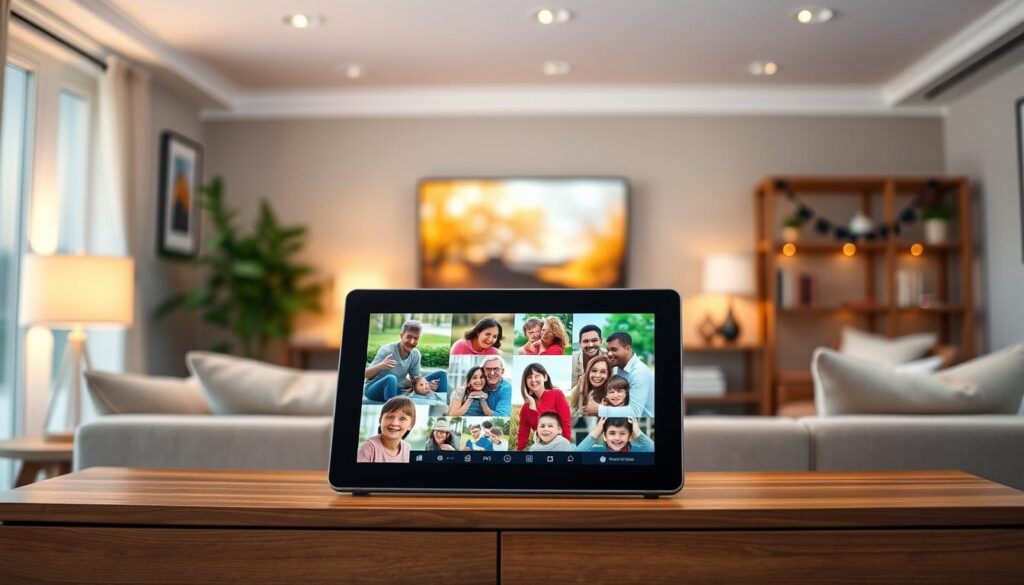
Organize your photos into albums to tell a story. Create folders for holidays or your kids’ growth. Reliving these moments is more meaningful when shown in a thoughtful way.
Displaying Travel Photos
Make your home a window to the world with your favorite vacation shots. A large screen digital photo frame can be like a gallery wall. It keeps your travel memories alive long after you’re back home.
Looking for display ideas? Check out digital frame display ideas to fit your style. Whether you like simple or colorful, the right setup makes a big difference.
Highlighting Art or Digital Creations
Your device is great for more than just photos. Upload digital art, illustrations, or scans of your projects. A large screen digital photo frame lets you change up your art based on the season or mood.
This turns a digital photo frame into a stylish decor piece. It shows off your taste and creativity, making your space feel fresh and personal.
Incorporating Digital Frames into Home Decor
We think your home should show off your personality with both classic and digital art. Adding a smart digital photo frame to your space needs careful thought. You want to mix modern tech with your home’s style.
Finding the Right Location
Where you put your device is key for looks and use. Pick a spot with good light to avoid glare on the screen. This keeps your photos clear and easy to see.
Think about these points when picking a spot:
- Eye-level placement: Place the frame where you can see it easily while moving around.
- Power access: Make sure it’s near an outlet to keep things tidy.
- Traffic flow: Pick a busy area like a hallway or living room for more views.
Frame Styles and Aesthetics
Choosing the best digital photo frame means finding one that looks like a real frame. Today’s frames come in wood, metal, or sleek plastic. They match your physical photos well.
“Design is not just what it looks like and feels like. Design is how it works.” — Steve Jobs
Go for a frame that matches your furniture’s colors. This makes the tech part of the room, not just a gadget. A smart digital photo frame should add to your decor, not clash with it.
Mixing with Traditional Decor
Creating a stylish gallery wall is easy with digital and traditional frames together. This lets you show off changing memories and keep special family photos.
Here’s how to mix them well:
- Put your digital photo frame with smaller, real frames for a unified look.
- Use the same frame colors or materials for both digital and real frames.
- Change the digital content to match the season or the decor’s theme.
This mix makes your home feel welcoming and personal. It turns a simple device into a meaningful piece of art.
Gifting and Sharing Memories
A digital photo frame connects distant loved ones, making memories come alive. It’s a thoughtful gift that lets friends and family enjoy their favorite moments daily.
Best Occasions for Gifting a Digital Photo Frame
These devices are ideal for big life events. They’re perfect for weddings, anniversaries, and birthdays. Giving a WiFi digital photo frame to someone special is a great idea.
New parents love these frames to share their kids’ growth with grandparents far away. Seeing new photos instantly makes them feel closer during holidays or family gatherings.
How to Personalize a Frame for a Gift
Set up the device before wrapping it for an instant wow. Load it with a collection of shared memories, like childhood photos or recent trip pictures.
Add a personal touch, like a custom welcome message or a slideshow theme. Pre-loading content turns the frame into a heartfelt experience right away.
Encouraging Friends and Family to Share Photos
The magic of a modern frame is in sharing. Use a digital photo frame with app to let everyone add their photos.
Create a shared album for family members to upload pictures from their phones. This WiFi digital photo frame setup keeps the display fresh and exciting. It makes viewing a continuous, interactive celebration of your shared life.
The Future of Digital Photo Frames
Technology is changing how we keep and share our favorite memories at home. The digital photo frame market is set for big growth and new ideas.
Innovations in Technology
Companies are adding artificial intelligence to make slideshows for you. Soon, we’ll see higher resolution screens that make your photos pop. These changes will keep your photos clear and bright, no matter the room’s light.
Predictions for Trends in Digital Display
More people want big screen digital photo frames for a better view. The 16:9 screen size is still common, but soon, software will handle different image sizes easily. This will make your device a key part of your smart home, telling stories with pictures.
Eco-Friendly Frames: A Growing Market
People now care more about the environment when buying digital picture frames. Future frames will use less energy and be made from recycled materials. These smart choices will make your display both stunning and eco-friendly for your home.