
 David Joseph
Did you know that office temperatures above 77°F can reduce worker productivity by up to 15%? Staying cool is not just about comfort; it is a vital component of maintaining focus throughout your busy day.
Finding the right office fan can be tough. We compare key features like airflow, noise levels, and energy efficiency. This helps you choose wisely. Whether you need a small fan for a tight cubicle or a strong one for home, we’ve got you covered.
The Vornado Pivot Personal Air Circulator was a top pick for its strong breeze and quietness. The right desk fan keeps you cool without interrupting your work or calls.
Key Takeaways
- Prioritize airflow and noise levels for a distraction-free environment.
- Consider the physical footprint to ensure it fits your specific area.
- Variable speed settings allow for customized comfort throughout the day.
- Energy efficiency helps keep your utility costs low over time.
- Stability and build quality are crucial for long-term reliability.
Why You Need a Desk Fan in Your Workspace
Creating a comfy workspace often begins with better air flow. Many offices have stagnant air, making them feel heavy and unwelcoming. A high-quality personal fan can help. It keeps your area feeling fresh and lively.
Improved Air Circulation
Stagnant air can make you feel tired, even in the afternoon. A personal fan keeps air moving around you. This stops warm, stale air from gathering near your desk.
Increased Comfort Levels
A fan doesn’t cool a room like an air conditioner does. Instead, it cools you down by making your skin sweat. This makes your desk area feel cooler without changing the room’s temperature.
Enhanced Focus and Productivity
Being comfortable helps you focus better. Many people find a personal fan keeps them awake during long computer sessions. Its soft hum also acts as soothing white noise, blocking out office distractions.
Types of Desk Fans Available
When looking for desk fans, you’ll find many options. They vary in size, from small to large. The right table fan depends on whether you need something small or a fan that covers more area.
Oscillating Desk Fans
An oscillating fan is great for spreading air around. It moves back and forth, making sure air reaches all parts of your desk. This keeps your area cool and comfortable.
“The secret to a comfortable workspace is consistent air movement that prevents stagnant pockets of heat from forming.”
Personal Table Fans
For a steady air stream, a personal fan is best. These fans stay still and focus on one spot. A mini fan is perfect for small desks where space is limited.
- Compact footprint: Ideal for crowded workstations.
- Focused airflow: Provides a steady breeze exactly where you need it.
- Simple operation: Usually features straightforward controls for ease of use.
USB-Powered Fans
A portable fan powered by USB is great for those who move around. It plugs into your laptop or a power bank. This makes it perfect for travel or offices without outlets.
Whether you need a small mini fan or a bigger table fan, knowing the differences helps. Each type has its own purpose. This ensures you find the right fan for your needs.
Essential Features to Consider
Choosing the right electric fan means looking at both performance and design. It’s not just about the highest speed. We need a fan that works well in real life to keep our space cool all day.
Adjustable Speed Settings
Having a desk fan with adjustable speeds is a big plus. We can pick a soft breeze for focus or a stronger one when it’s really hot.
Being able to control the fan’s speed helps us avoid sudden gusts. This keeps our space comfortable, no matter the outside weather.
Noise Level
In an office, how loud our tools are matters a lot. Loud fans can disrupt calls, meetings, or shared work areas.
“True comfort in a workspace is defined not just by the temperature, but by the ability to maintain focus without unnecessary auditory distractions.”
It’s smart to test a fan’s noise before buying. A quiet fan lets us stay cool and communicate clearly.
Energy Efficiency
Today’s fans should save us money and the planet. Look for features like timers and low-power modes to cut down on electricity use.
These smart features help us save energy and keep our space cool. For more on managing air, check out exhaust fan solutions for every US home. Choosing an energy-efficient fan means it will last us for years.
How to Choose the Right Size Desk Fan
Choosing the right fan size is all about planning your desk layout. Before you buy, check how much space you have. This makes sure your new fan fits well with your work.
Measuring Your Workspace
First, measure your desk’s width, depth, and height. Don’t forget the space around your monitor and keyboard. This prevents any accidental knocks.
If your desk is small, a compact footprint is key. Taking these measurements helps you pick a fan that doesn’t get in the way or block your tools.
Balancing Size and Power
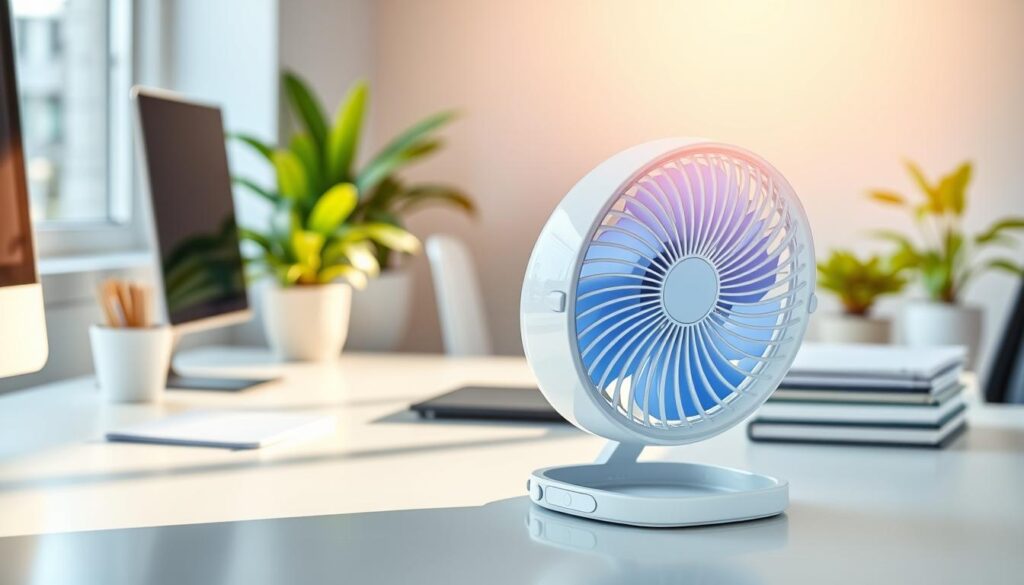
Finding the right balance between size and airflow is tricky. A small fan like the 6.5-inch Vornado Flippi V6 is great for personal cooling. But, it might not move as much air as a bigger fan.
Bigger fans can move more air, but they take up a lot of space. Check out the best small desk fans for home offices to see how they work. Remember, choose based on your cooling needs, not just looks.
Portable vs. Stationary Options
Deciding between a portable fan and a stationary one depends on your desk. Clip-on fans save space but need a flat, sturdy surface.
If your desk is thick or unstable, a table fan is safer. These fans have a stable base that keeps them upright. Whether you pick a portable fan or a table fan, make sure it fits your daily routine.
Popular Brands of Desk Fans
Choosing the right office fan depends on the strengths of top brands. Many brands are out there, but focusing on reliable ones is key. Look beyond just the brand name to see if a model fits your cooling needs.
Vornado
Vornado is known for its air circulation technology. Their fans circulate air all over the room, not just at you. The Vornado Pivot is a top pick for its strong airflow, quiet operation, and adjustable settings.
Honeywell
Honeywell fans are great for those who want flexibility. They offer adjustable and wall-mountable designs. For example, the HT-904 model has three speed settings and a 90-degree tilt for precise air direction.
Lasko
Lasko fans are a good choice for those on a budget. When comparing Lasko to others, look at airflow, noise, and stability. Also, consider the warranty and features each fan offers.
“The best cooling solution is not always the most expensive one, but rather the one that aligns with your specific workspace requirements and durability expectations.”
| Brand | Primary Strength | Best For |
|---|---|---|
| Vornado | Air Circulation | Whole-room cooling |
| Honeywell | Adjustability | Targeted airflow |
| Lasko | Value | Budget-friendly performance |
Your office fan choice should consider several factors. By looking at the pros and cons of these brands, you can pick the best one for your space.
The Benefits of Using a Desk Fan
Using a desk fan can make your workday better. It’s important to think about air quality in our offices. Adding a desktop fan to your routine can improve your space.
Better Ventilation
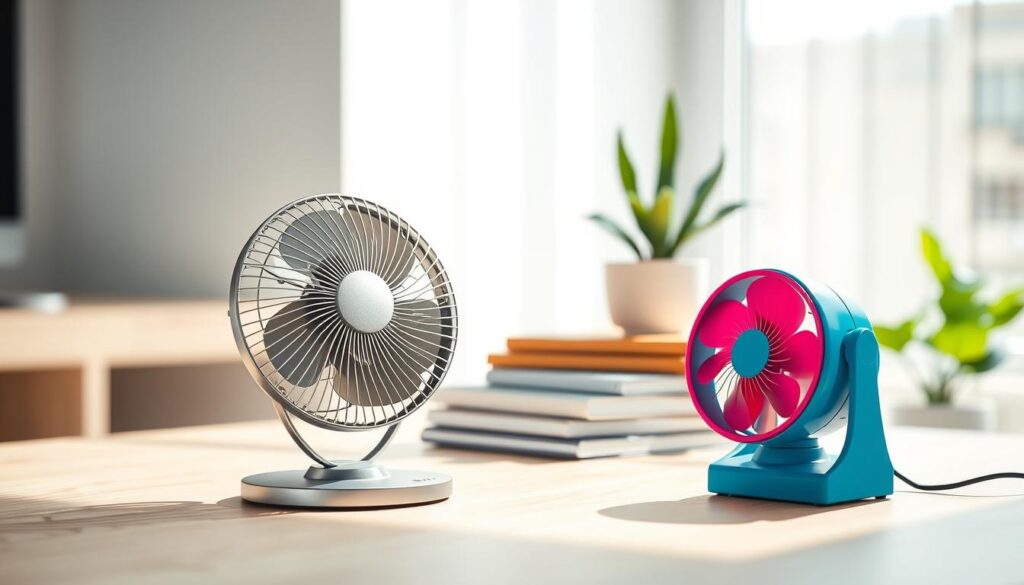
A small fan brings fresh air right to your desk. It’s different from big ceiling fans that cool the whole room. A mini fan keeps you cool without bothering others.
Cost-Effectiveness
Using a desk fan is smart for saving energy. It lets you keep your thermostat up during hot months. This cost-effective approach helps you save energy and stay cool at your desk.
Versatility
The modern oscillating fan is great for many places. It works well at desks, in bedrooms, or cozy reading spots. You can pick the right fan for your space based on its wind speed.
These fans are light, so you can move them easily. Their versatility makes them perfect for keeping your area comfortable all day. A good fan is essential for a pleasant work or rest area.
Where to Buy a Desk Fan
Looking for a desk fan? You have many choices. You can shop in stores or online. The key is to find a portable fan that fits your needs.
Local Retail Stores
Shopping in stores lets you see and touch the office fan first. You can check how stable it is and how it feels. You can also hear how loud it is.
This way, you know exactly what you’re getting. You can make sure it won’t take up too much space on your desk.
Online Marketplaces
Online, you can find more fans than in stores. You can compare prices and read reviews. You can also find deals on your favorite portable fan.
“Always verify the current return policy and shipping costs before finalizing your order, as these terms can vary significantly between different online vendors.”
For example, a Vornado fan might cost $26.49. But prices change often. Make sure to check the price and warranty before you buy.
Specialty Appliance Stores
For expert advice, go to specialty stores. They sell top-notch fans and know a lot about them.
When choosing a store, think about these things:
- Return Policies: Make sure you can return it if it’s damaged.
- Warranty Coverage: Find out if they stand behind the manufacturer’s warranty.
- Availability: Make sure the fan is in stock to avoid long waits.
By doing your research, you’ll find a fan that keeps you cool all day.
Desk Fan Maintenance Tips
Keeping your cooling gear in top shape is key. Whether you use a mini fan or a bigger electric fan, regular care is crucial. It stops performance drops and keeps your area comfy. Always unplug your fan before checking or cleaning to stay safe.
Regular Cleaning
Dust on the grille and blades cuts down airflow. Use compressed air or a vacuum with a soft brush to clean hard spots. If it’s okay with the maker, you can dampen a cloth to wipe the blades. But make sure it’s dry before plugging it back in.
“The longevity of your appliances is directly tied to the consistency of your cleaning routine.” — Appliance Maintenance Expert
Checking Electrical Components
Vibrations can loosen screws, causing rattling. If your electric fan is making odd sounds, check the screws. Also, if the blades don’t spin easily, it might need a check-up or a new motor.
Seasonal Storage Suggestions
When it gets cooler, right storage is vital for your mini fan. Clean it well to stop dust from getting into the motor. Coil the power cord carefully to avoid wire damage. Store it in a cool, dry spot, away from moisture.
| Task | Frequency | Tool Required |
|---|---|---|
| Dusting Grille | Bi-weekly | Microfiber Cloth |
| Deep Cleaning | Quarterly | Compressed Air |
| Screw Inspection | Bi-annually | Screwdriver |
| Cord Check | Annually | Visual Inspection |
Desk Fan Safety Precautions
We think you should enjoy a cool breeze without risking your safety. Using an electric fan every day means taking steps to avoid accidents. This way, your fan will last for many years.
Safe Placement
Place your fan on a stable, level surface to avoid it tipping over. Make sure there’s enough room around it for air to flow freely.
For oscillating fans, check that they have enough space to move. They should not hit anything nearby, like monitors or papers.
Avoiding Overheating
Before you turn it on, quickly check your fan. Listen for any unusual electrical sounds, rattling, or shaking. These could mean there’s a problem inside.
If the fan gets too hot or the blades won’t turn, stop it right away. Ignoring these signs can cause serious damage or even a fire.
Understanding Cord Management
Keeping your cords organized is key for a safe and neat desk. Always keep power cables away from keyboards, walkways, and places where liquids might spill.
Don’t plug your electric fan into overloaded outlets or use the wrong extension cords. This helps prevent tripping and protects your electronics from power surges.
Customer Reviews and Recommendations
Choosing the right cooling solution means looking beyond just specs. Real-world feedback bridges the gap between lab tests and everyday use.
Real-World Performance Insights
User feedback often points out issues like rattling sounds or stiff parts. These problems aren’t always mentioned in product descriptions. A good desk fan should work smoothly without sudden breakdowns.
We recommend checking out long-term user reviews. They show how a fan performs over time.
The Value of Comparative Ratings
Comparing ratings from brands like Vornado or Honeywell reveals quality trends. Look for mentions of strong airflow, stability, and easy cleaning. A fan that’s quiet is great for shared spaces.
A Practical Framework for Your Purchase
Here’s a simple way to choose: First, check if the fan fits your space. Then, think about what you need most: quiet or strong air flow. Make sure the fan’s safety and upkeep match your life.
By following these steps and listening to buyer experiences, you’ll find a fan that makes your workspace better for years.