
 David Joseph
Did you know that phantom energy use can cost nearly 10% of your electricity bill? This happens when devices keep using power even when not in use. Using a Smart Plug can help cut down on this waste.
These small devices turn regular appliances into automated tools you can control from anywhere. Just plug in your coffee maker or lamp, and you can manage energy use with your phone. It’s a simple way to update your home without spending a lot.
But picking the right model is important. We need to think about cost, features, and how well it fits with your system. Choosing the perfect Smart Plug makes your home smarter and more efficient.
Key Takeaways
- Phantom energy usage significantly impacts your monthly utility costs.
- Automated hardware allows for remote control of standard home appliances.
- Compatibility with existing ecosystems is vital for a smooth setup.
- Budget-friendly options often provide essential features for beginners.
- Strategic placement helps maximize energy savings throughout your house.
Understanding Smart Plugs: An Introduction
A smart plug connects your old home appliances to new tech. These small units cost between $10 and $15. Just plug one into your wall outlet, and you control your electronics right away.
What is a Smart Plug?
A Smart Plug is a small adapter that fits between your wall socket and an appliance’s power cord. It controls electricity flow, letting you turn devices on or off from afar. This versatile tool makes any standard appliance smart.
How Do Smart Plugs Work?
Most smart plugs are WiFi enabled and connect to your home network. After linking it to your router, you manage it through a smartphone app. This lets you control your devices from anywhere, keeping an eye on your power use.
Setting up is easy and quick. Just download the app, follow the instructions, and connect to your network. Once done, your smart home device is ready for use.
Benefits of Using Smart Plugs
The main perk is turning “dumb” devices smart. You can set schedules for lights or coffee makers. This makes your daily life easier.
These devices also give you peace of mind. You can check if you left something on while away. Using a WiFi enabled plug is a budget-friendly way to update your home. Adding a smart home device to your life is simple and boosts your home’s efficiency.
Key Features to Look for in Smart Plugs
When choosing a Smart Plug, it’s easy to overlook the technical details. Yet, these details are crucial for your devices’ daily performance. Understanding how these gadgets connect with your network and home systems is key.
Wi-Fi Connectivity and Range
Most devices need a stable connection to work right. A WiFi enabled plug usually uses the 2.4GHz frequency. This frequency goes through walls better than 5GHz signals.
Make sure your router is in a spot for a strong signal everywhere in your home. If your connection keeps dropping, your smart schedules might not work as planned.
Compatibility with Smart Home Systems
Integration is vital for a smart home to work well. You need a device that works smoothly with your favorite voice assistants. This includes Amazon Alexa, Google Assistant, or Apple HomeKit.
Think about how your device interacts with other smart home parts, like the best smart switch options. A unified system lets you set up complex routines that control many devices at once.
Energy Monitoring Capabilities
Being able to track power use is super valuable for homeowners. An energy saving plug shows you how much power each appliance uses. This helps you spot which ones are costing you more on your bills.
These plugs can handle 15 amps, making them great for small devices. This includes:
- Table lamps and floor lighting
- Portable fans and air purifiers
- Coffee makers and small kitchen gadgets
Using a WiFi enabled plug with monitoring lets you see your home’s energy use clearly. This info is key for anyone wanting to cut down on waste and save energy.
User-Friendly Design: Physical Aspects of Smart Plugs
When we get a remote controlled plug, we often don’t think about its design. But, it can block other outlets on the wall. A good smart home device should fit well in your home without messing up your electrical setup.
Size and Shape Considerations
A Smart Plug is great because it’s easy to move around. Unlike fixed smart outlets, you can take these plugs from room to room. But, make sure the plug’s shape won’t block other sockets.
Many plugs are slim, so you can use both outlets on a strip. Before buying, check how much space you have for your plugs.
Indicator Lights and Buttons
Even with apps, having physical buttons is still useful. A Smart Plug usually has a small LED light. This light shows if the plug is connected or if it’s on.
“The best hardware design is one that feels invisible until you need it, providing tactile feedback that confirms your commands instantly.”
Ease of Installation and Setup
Setting up a remote controlled plug should be easy and quick. Most are designed to work right away with just Wi-Fi and a smartphone app. Just plug it in, follow the app’s instructions, and you’re good to go.
| Feature | Compact Design | Standard Design |
|---|---|---|
| Outlet Blocking | Minimal | Moderate |
| Manual Button | Integrated | Prominent |
| Portability | High | High |
| Setup Speed | Fast | Fast |
Smart Plug Safety Features
We often focus on the automation benefits of a remote controlled plug. But its internal safety mechanisms are just as important. It’s crucial to understand how these devices manage power to keep your home safe.
Surge Protection
Electrical surges can damage your electronics. They can come from lightning or grid problems. A good Smart Plug has surge protection to handle these spikes.
This feature acts as a critical barrier. It keeps your devices safe from sudden power surges.
Overcurrent Protection
It’s important to manage power limits to avoid damage. Most devices have specific power needs. Plugging in high-powered items, like space heaters, can be risky.
If too much current flows, the plug will cut off power. This proactive measure is key for any remote controlled plug in today’s homes.
Fire Safety Standards
Manufacturers must follow strict fire safety standards. This ensures their products are safe for your home. Look for certifications from trusted labs to confirm safety.
| Safety Feature | Primary Function | Benefit to User |
|---|---|---|
| Surge Protection | Voltage spike suppression | Protects sensitive electronics |
| Overcurrent Protection | Load limit monitoring | Prevents overheating and fires |
| Flame-Retardant Casing | Heat resistance | Reduces fire propagation risk |
Smart Plug Brands: Top Choices on the Market
Choosing a good smart plug means looking at more than just the price. You should also consider the brand’s reputation and what features it offers. The market has many options, from simple switches to devices that track your energy use. We’ve looked at the top brands to help you find the right smart plug for your home.
“The best smart home devices are those that disappear into the background, working reliably without constant user intervention.”
TP-Link Kasa Smart Plug
The TP-Link Kasa series is a favorite for those who value reliability and ease of use. These plugs are known for their stable connection and easy-to-use app. Many like this brand because it offers a great voice controlled plug experience that works well with other smart home systems.
Wemo Mini Smart Plug
The Wemo Mini is great if you need a plug that doesn’t take up much space. Its slim design is perfect for crowded outlets or tight spaces. Its simple setup is a big plus for those who want to start automating their home quickly.
Amazon Smart Plug
The Amazon Smart Plug is perfect for those who use Alexa a lot. It sets up easily, often connecting automatically when you plug it in. It may not have all the features of other plugs, but its simplicity makes it great for beginners.
Other brands like Emporia are also worth checking out. Emporia is known for its detailed electricity tracking, helping you see how much energy you use in real-time.
| Brand | Best Feature | Energy Monitoring | Primary Use |
|---|---|---|---|
| TP-Link Kasa | Reliability | Yes | General Automation |
| Wemo Mini | Compact Size | No | Space Saving |
| Amazon | Alexa Integration | No | Voice Control |
| Emporia | Data Tracking | Yes | Energy Management |
Comparing Smart Plugs: Price vs. Features
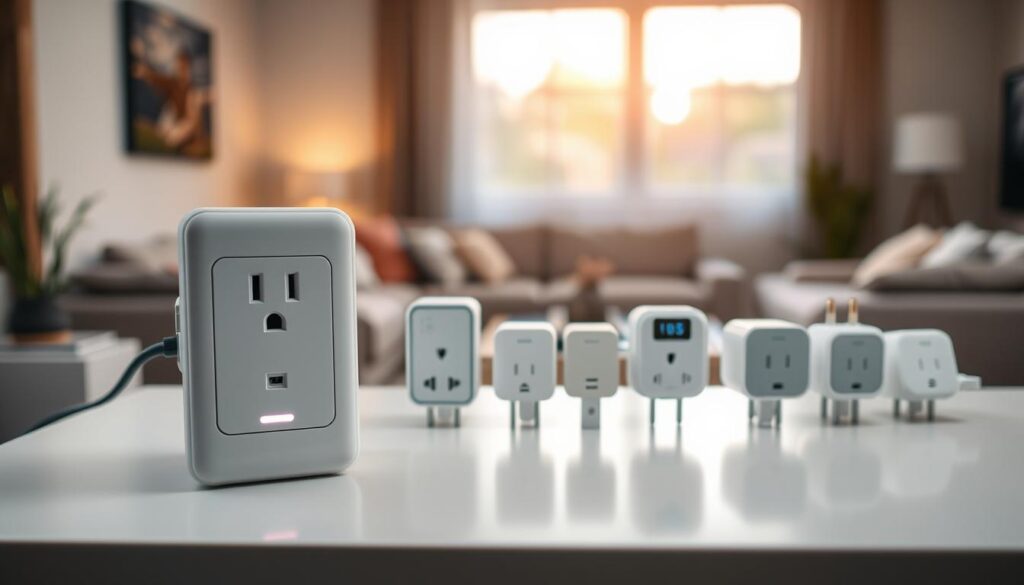
Finding the best Smart Plug value depends on your needs. The market offers many choices. Knowing the balance between cost and features is key.
Do you need a simple remote controlled plug or something more complex? Start by knowing what you want.
Budget-Friendly Options
For those new to home automation, entry-level models are great. They cost less than $10 and let you control devices remotely. This is perfect for turning lights or fans on and off from your phone.
Mid-Range Smart Plugs
In the mid-range, you find devices that balance reliability and software. They have better Wi-Fi and app interfaces. These are ideal for daily use, offering consistent performance.
Premium Features and Costs
Spending over $20 gets you advanced features. These include detailed energy tracking. High-end models also support the latest tech, like Matter.
| Category | Price Range | Key Benefit |
|---|---|---|
| Budget | Under $10 | Basic remote control |
| Mid-Range | $10 – $20 | Reliable connectivity |
| Premium | Over $20 | Advanced energy monitoring |
Choosing depends on what matters most to you. A simple remote controlled plug might be enough for a lamp. But an energy saving plug is better for big appliances. By looking at these options, you’ll find the best value for your home.
Smart Plugs and Home Automation
Turning your home into a modern space starts with home automation. Adding a Smart Plug to your devices makes managing your home easy. These plugs connect your old appliances to the digital world, making your home more responsive.
Integrating with Voice Assistants
Using a voice controlled plug is a popular way to manage devices. Pair it with a smart speaker to control things with voice commands. It’s great when your hands are busy or you just want to relax.
Automating Daily Routines
Creating custom routines makes life smoother and more efficient. A home automation plug lets you group devices for simultaneous actions. For example, a “Good Morning” routine can turn on lights and start the kettle at once.
- Morning routines: Wake up to a warm room or fresh coffee.
- Evening routines: Automatically turn off unnecessary electronics before bed.
- Security routines: Make it look like someone’s home by turning lights on while you’re away.
Scheduling Features and Timers
Setting precise schedules is a big advantage of home automation plugs. You can program devices to work at specific times, making your home ready for you. A voice controlled plug with timers keeps your week consistent.
These features are great for saving energy without manual effort. Whether it’s turning off a heater or lighting up your porch at sunset, a Smart Plug does it for you. This way, your home works for you, not the other way around.
Troubleshooting Common Smart Plug Issues
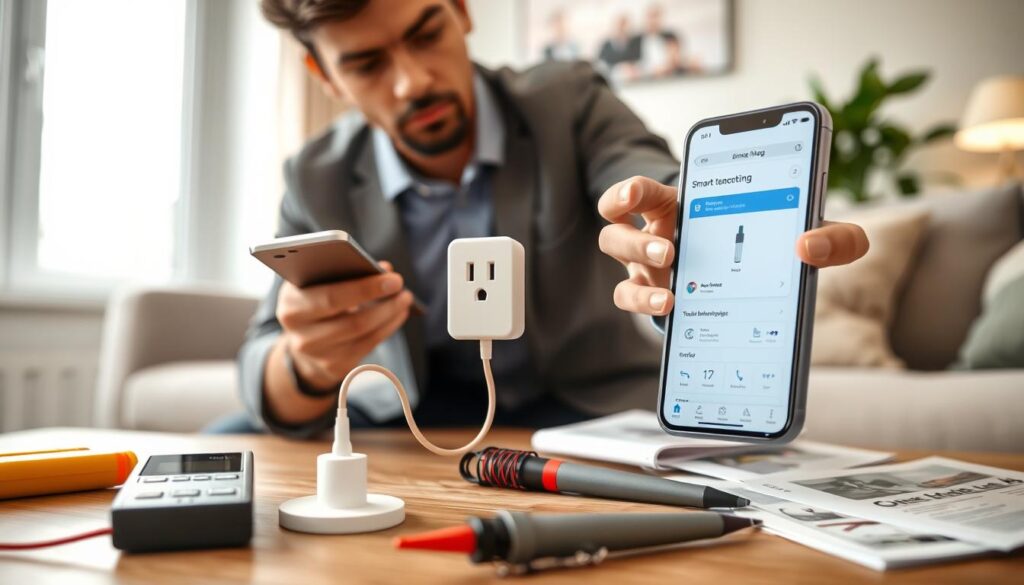
Even the most reliable smart home tech can face unexpected problems. A Smart Plug might lose connection or not respond to commands. Knowing how to fix these issues keeps your home running smoothly.
Connectivity Problems
Most issues come from the wireless network. A WiFi enabled plug needs a strong signal to work right. If it goes offline, start by checking your router settings.
Make sure your router is set to 2.4GHz. Many smart devices have trouble with 5GHz.
- Move the plug closer to the router to test signal strength.
- Restart your router to clear any temporary IP address conflicts.
- Check if other devices on the same network are experiencing similar drops.
App Issues
If your voice controlled plug won’t respond to app commands, it’s usually a software issue. Check for app updates in your phone’s store. Developers often fix bugs with updates.
Clearing the app cache or logging out and back in can also help. This fixes sync errors.
“Technology is best when it brings people together, but it is even better when it works exactly as intended without constant manual intervention.”
Power Supply Troubles
Sometimes, the problem is physical, not digital. If your Smart Plug won’t turn on, check the wall outlet. Use a lamp or another appliance to test it.
If the outlet works, make sure the plug is fully inserted and not blocked by debris.
For a WiFi enabled plug that won’t respond, try a factory reset. This clears the memory and lets you start over. Remember, a voice controlled plug needs steady power to stay connected to your network.
Enhancing Energy Efficiency with Smart Plugs
Using a Smart Plug is a simple way to control your home’s energy use. These devices don’t cut down energy use themselves. But, they help manage how your electronics use power all day.
By adding a home automation plug to your daily life, you can make sure devices only work when needed. This way, you avoid wasting power without changing your daily habits.
Monitoring Energy Usage
Many people are shocked to learn how much power their devices use, even when off. This is called phantom power and can raise your bills a lot.
A good Smart Plug lets you see how much power your appliances use live. This lets you spot hidden power users and decide which to turn off or automate.
Reducing Electricity Costs
Smart scheduling can cut your electricity bills. By setting timers, you make sure high-energy appliances don’t run when not needed.
This energy saving plug tech makes it easy to automate your home. Consistency is key for saving money, and timers help avoid mistakes.
Smart Plugs for Eco-Friendly Living
Choosing a home automation plug is a smart step toward a greener life. It reduces your energy use, which means less harm to the environment.
Using an energy saving plug helps make the world a bit greener. Every small change you make can have a big positive effect on the planet over time.
Conclusion: Making the Final Decision
Choosing the right Smart Plug is all about knowing what you need at home. Look for models that fit well with your current smart home setup. Make sure they work with platforms like Amazon Alexa or Google Home for easy setup.
A good Smart Plug is key to a smart home. Test it in a central spot to check the signal before you install it for good. Keeping your firmware up to date also keeps your network safe and your devices working well.
Take care of your Smart Plug by keeping it clean and dust-free. Check your energy use reports often to find ways to cut down on bills. By making these small changes, your smart home will stay useful and convenient for many years.